
Vibe coding with AI: 10 best practices for coding fast (without losing control)

You’ve probably heard the term vibe coding by now. If you haven’t, it’s a term coined by Andrej Karpathy (a major figure in the data, machine learning, and AI world) to describe the practice of programming with LLM assistance, “riding the AI’s vibe.”
Pay attention to the word “assistance.” The right way to vibe code, in my view, is to code with AI as your assistant, not to delegate 100% of the development.
Who hasn’t tried building an app from scratch with a single prompt? “I want a real estate app that helps administrators calculate rent price updates, it needs to have a modern, minimalist look & feel and run on all platforms.” The AI probably answered “Sure thing, boss, no problem at all” and then you spent the rest of your afternoon resolving errors, or rather, asking the AI to resolve them for you (true story).
To avoid these kinds of situations that threaten project scalability (and your mental health), we recommend following the tips below.

The “let’s just wing it and see what happens” philosophy should not apply when working with AI.
1. Start with an auditable technical document
Before writing the first prompt, start by writing your objective in natural language, in your own words. If you’re building an application (one of the most common cases), begin by clearly and explicitly stating what the application needs to do, and save it in the repo’s readme (more on that in the next point). This lets any human audit the project, gives the LLM a clear north star about the overall purpose, and versions all changes as they happen.
Things you should absolutely make clear: the functional objective, expected columns and data types, business rules and special considerations, formulas needed for calculating business variables, etc.
Tip: Use an AI to generate this document itself. You can ask it to take on the role of a Product Manager and draft the document with functional specifications. You can do the same with technical requirements or technology stack decisions.
2. Adopt test-driven development (also written in natural language)
Models can now help you generate tests and use them as a fundamental development tool. Explicitly tell the AI in natural language what each test should do. Example: “If the rent is $300,000 and the update is 15%, the updated price should be $345,000.” As you can see, the test needs to be 100% interpretable and auditable by a human.
I’ve found it useful to keep a separate document listing all the tests in natural language that I eventually want translated into Python tests. Again, you can use AI to suggest tests.
Important: Make sure that changes to features don’t modify existing tests. That’s the whole point of having tests. Sometimes the AI “gets clever” and modifies tests so its code passes the checks.
3. Apply small, incremental changes
In the introduction I already told you how my attempt to build an app from scratch with a single prompt went. That’s not the way.
The key is to make one modification at a time: this reduces context, improves accuracy, and minimizes hallucinations (or at least their potential impact on the project).
Hand in hand with the previous testing point, pair each incremental change with a mini test that gets added to your existing battery, without modifying previous tests.
4. When the scope changes, reset the chat
LLM memory eventually runs out, and when you’ve been working hard and steady, it starts carrying assumptions that shifted across iterations. That’s why the recommendation is to periodically reset the chat: what you’ve been discussing doesn’t disappear, it gets compacted (which saves you cost by reducing token usage) and becomes part of a less short-term memory. And along those lines…
5. Readme also means “remember me”
At the start of every conversation you should remind the LLM of the context of what it’s doing. The best way to do this is by maintaining a structured, clear, and constantly updated readme. Folder paths, how to run the code, how to run the tests, etc.: these models are excellent at writing and generating documentation like this, so use that to your advantage (the flip side is that there are no more excuses for not delivering clear, pristine code).
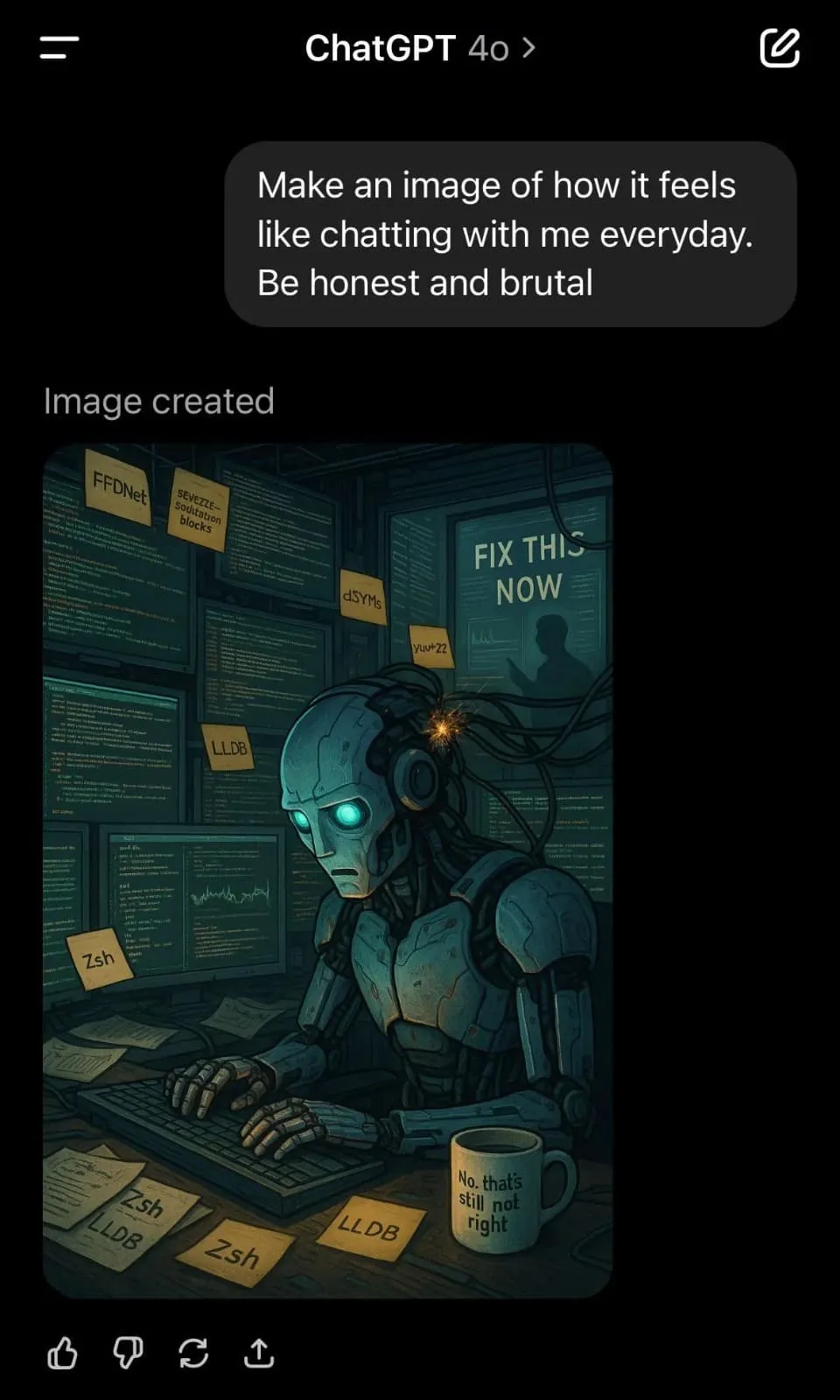
“Make an image of what it feels like to work with me every day. Be honest and brutal.”
6. Don’t wait too long to modularize your code (and get help from the LLM)
Say goodbye to the 500-line app.py as soon as you can. A good time to do it is when your MVP (the minimum idea you had in mind) is functional, even if only at a high level. At that point, ask the LLM to propose a structure and migration plan to split the logic into folders (models/, data/, tests/, etc.).
And this applies at all times but especially here: always have it explain the logic before it runs any code changes. In line with the incremental changes point, try to make this migration plan a set of small, auditable steps; don’t tackle a refactor in one shot.
7. Choose the AI that best solves your problem
This one can be a bit confusing at times: what should you choose among the options on the market? There’s no standard answer, but our recommendation is to try several and stick with the one that best solves your problem.
At deployr, my colleagues are fans of Cursor and Windsurf, while I’m a fan of Copilot (I’m writing my master’s thesis with it, to give you an idea).
In short: try a few and see which one works best for you.
8. Use AI to learn, not just to get answers on autopilot
When the LLM finally nails that complex point you didn’t know how to approach, don’t just take the answer, also ask for an explanation. Ask it for an explanatory, detailed code review so you understand the logic and learn in the process, line by line, and even ask for additional resources. And for bonus points: you can store those documents in a project folder and use them as support material for the LLM itself.
I also enjoy reading how the AI reasons as it works through the instruction I gave it, where it finds inconsistencies, which part of the code it tackles. Personally, I find it entertaining and I feel like I learn from it.
9. Version control, more important than ever
This isn’t exclusive to vibe coding, but it’s worth repeating. All the things we’ve discussed (tests, functional documents, modular code, incremental changes) need to be versioned. Every change, every test, every feature added to the README should be committed and pushed to the repo once you’ve confirmed things are working.
With a good old-fashioned git repository you’re more than set to prevent things from going sideways if the LLM starts hallucinating (or rather, when it starts hallucinating). Remember, it’s common for AI to go off the rails, so when that happens just reset the chat, revert to the previous version, and you’re good.
10. Transparency above all
If someone asks, put on your best poker face and say you used AI. Why wouldn’t you? It sped up your delivery times, helped you write decent, documented code, and you even learned along the way. Trust is built by showing the process transparently, and you shouldn’t be afraid to show how you got to where you got.
That said: you alone are responsible for the code. That’s why it’s absolutely critical that you always understand what the LLM is telling you: if you understand it, can justify it, and can explain why it’s the best option for solving a given problem, nobody can say a thing.
In summary…
Your job as a dev hasn’t disappeared, but it will evolve. You’ll go from “chipping away at stone” to designing solutions, auditing, and teaching (and learning) with the help of AI.
That’s why you need to be very careful: vibe coding isn’t magic, it’s using AI with intention. It’s critical that you use these tools responsibly and with a clear purpose. By combining documentation, human judgment, tests, and best practices, AI becomes an efficiency machine rather than a bug factory.


